first thing first I would like to say sorry because I don’t know and don’t speak German at all; secondly, probably this issue has been already discussed in here but I’m not able to find any possible related topic due to the reason I explained just before.
With that said I would like to connect to my domestic network when I’m outside and also having a full-tunnel VPN if I’m using any public wifi (to be honest I didn’t understand if this last point is possible to achieve, for me the most important one is the first one).
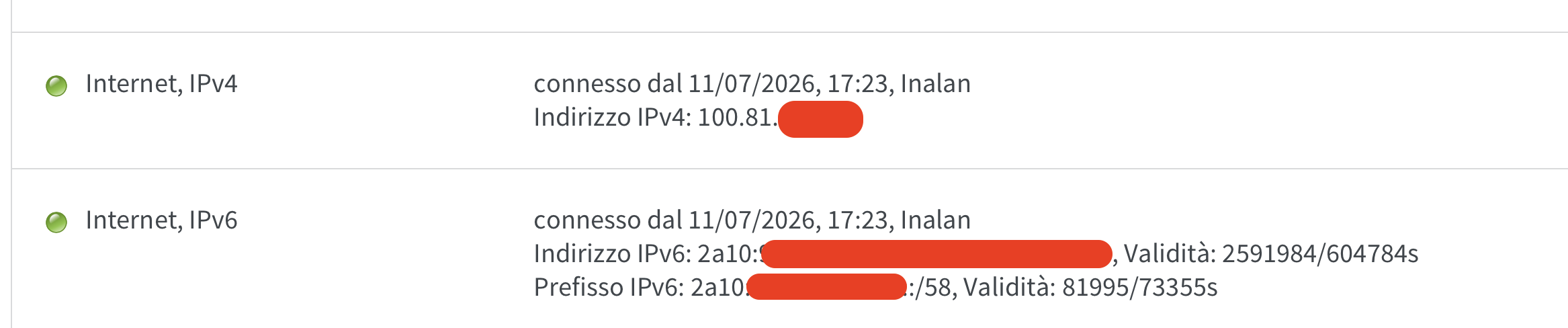
Actually my ISP is giving me a CGNAT on the IPv4 and a public IPv6, my router is a FritzBOX 7590 connected via WAN to the ISP’s modem-router (that is configured to work as ONT only) so using the “native” WireGuard solution given by AWM seems not working because apparently it still required a public IPv4 to communicate/establish a proper VPN connection (I might be wrong though, I’m not very expert on IT stuffs).
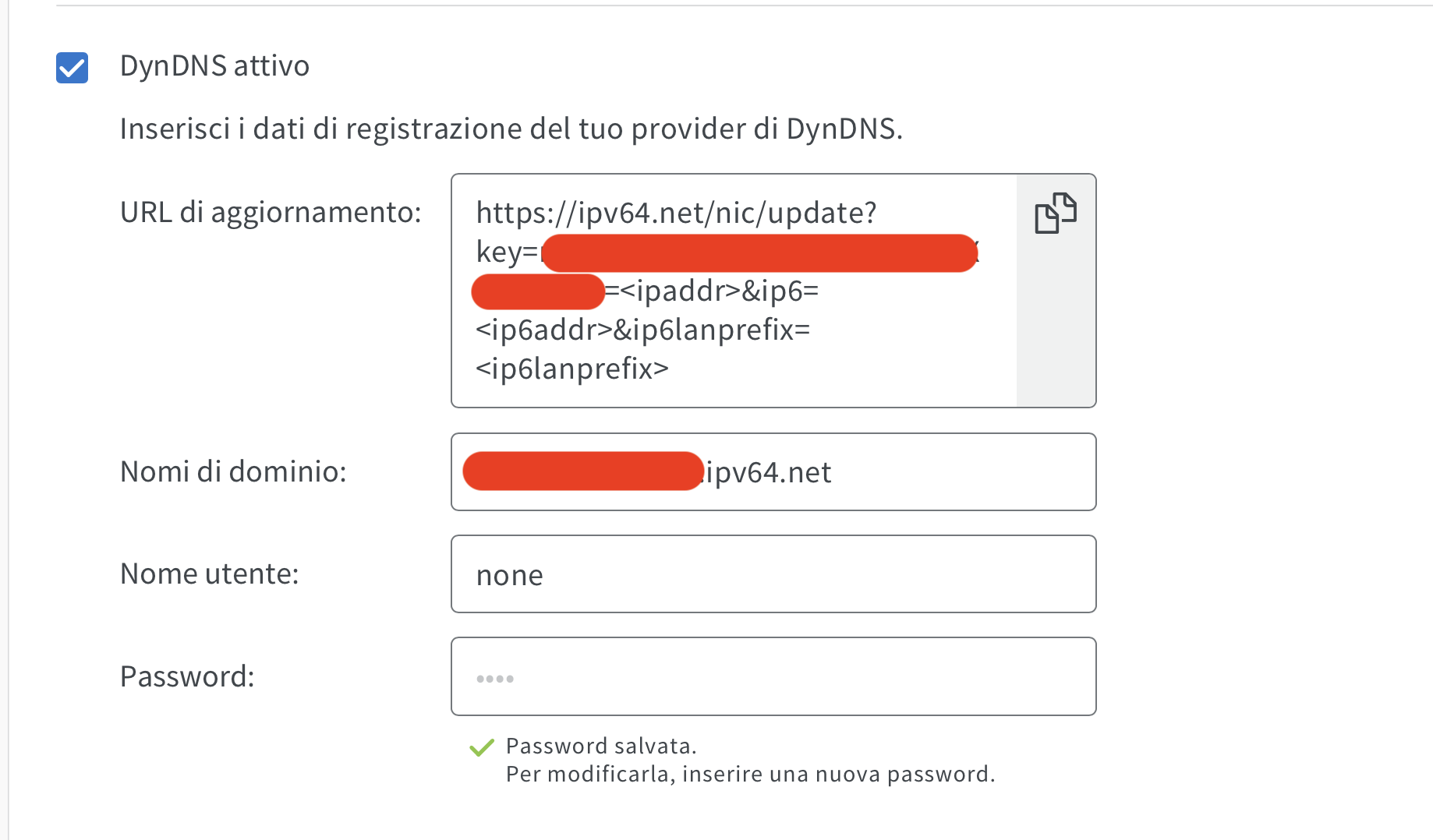
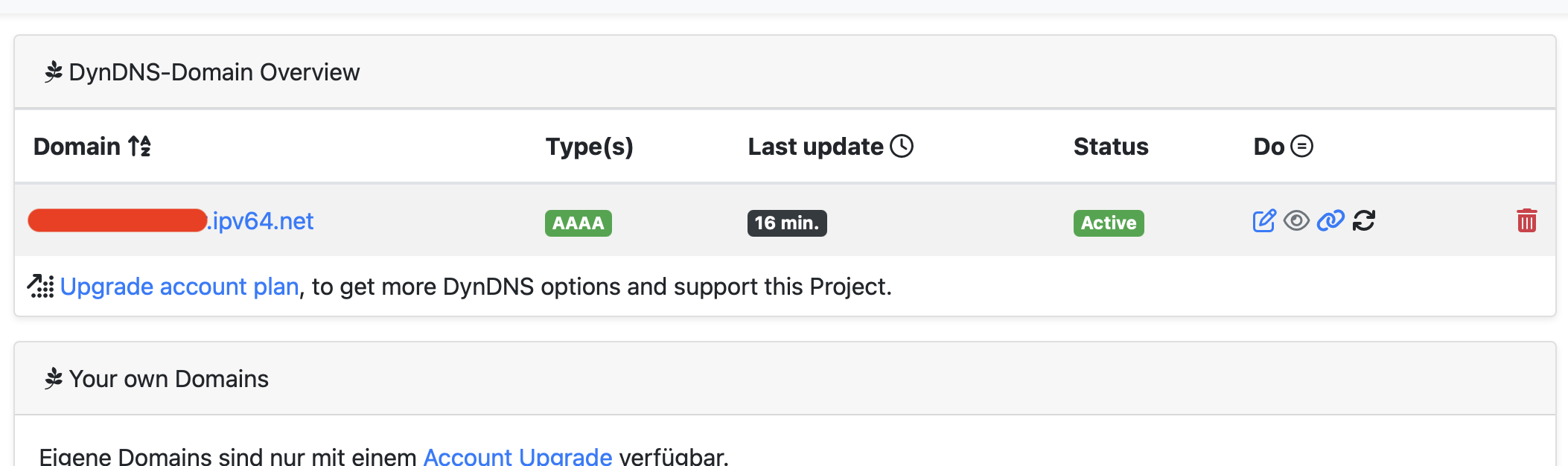
I’ve been able to find IPV64.net and seems to be a good solution until AWM fix the firmware and adopts an in-house solution (and knowing their “speed” about FritzOS releases…), so the very first thing I did was to create a DynDNS domain, set it up inside the FritzBOX and try to create a WireGuard connection, use the configuration on my smartphone, connect to mobile data (of course wifi was disabled) and didn’t work out (before you ask: yes, my 4G has an IPv6 address as confirmed by test-ipv6.run ).
After that I found this video https://www.youtube.com/watch?v=6Bd-Excz0UA and followed all the instruction using the auto-dubbed English language but it doesn’t engage any connection after importing the conf file into the FritzBOX (in the video around the minute 11:07 you can see the ethernet port icon been green, but mine remains red even after hours), so basically I’m stuck on about the 50% of the procedure without being able to find any solution by myself so far (I also did try to continue till the end but of course nothing worked on the smartphone).
At this point I have no idea what it could be, any kind of help would be highly appreciated; of course if you need any further infos about anything I will provide via screenshots or texting.
Lots of words but not much concrete information. But this much I can say: even with a CGNAT connection, you can get a FritzBox to establish a WireGuard connection to the Cloud Router, as this is always a connection set up by the FritzBox itself.
If that doesn’t work for you, it means you haven’t followed the instructions in the video correctly when using the imported Cloud Router configuration file. So give it another go.
I explained the whole picture so to don’t have to write them in multiple messages, moreover I didn’t give some details (although I wrote at the end “[…] if you need any further infos […]”) because I don’t know exactly which detailed informations could be useful for my case.
That’s the point: I did follow the video instructions more than once and also started everything from scratch twice and both of times I had the exact same issue; the auto-dubbed English from YouTube is far from perfection and could mislead, but the video images are universal.
So there might be something else, but as of now I’ve no idea on what it could be and that’s why I’m here: asking for any possibile solution.
I don’t have a FritzBox with CGNAT available. Just my smartphone. But I’m having the same problem there. The only difference is that, on mobile networks in Germany, you’re usually assigned an IPv4 address from the private Class A network (CIDR notation: 10.0.0.0/8), whereas with CGNAT it’s one from the shared network address (CIDR notation: 100.64.0.0/10).
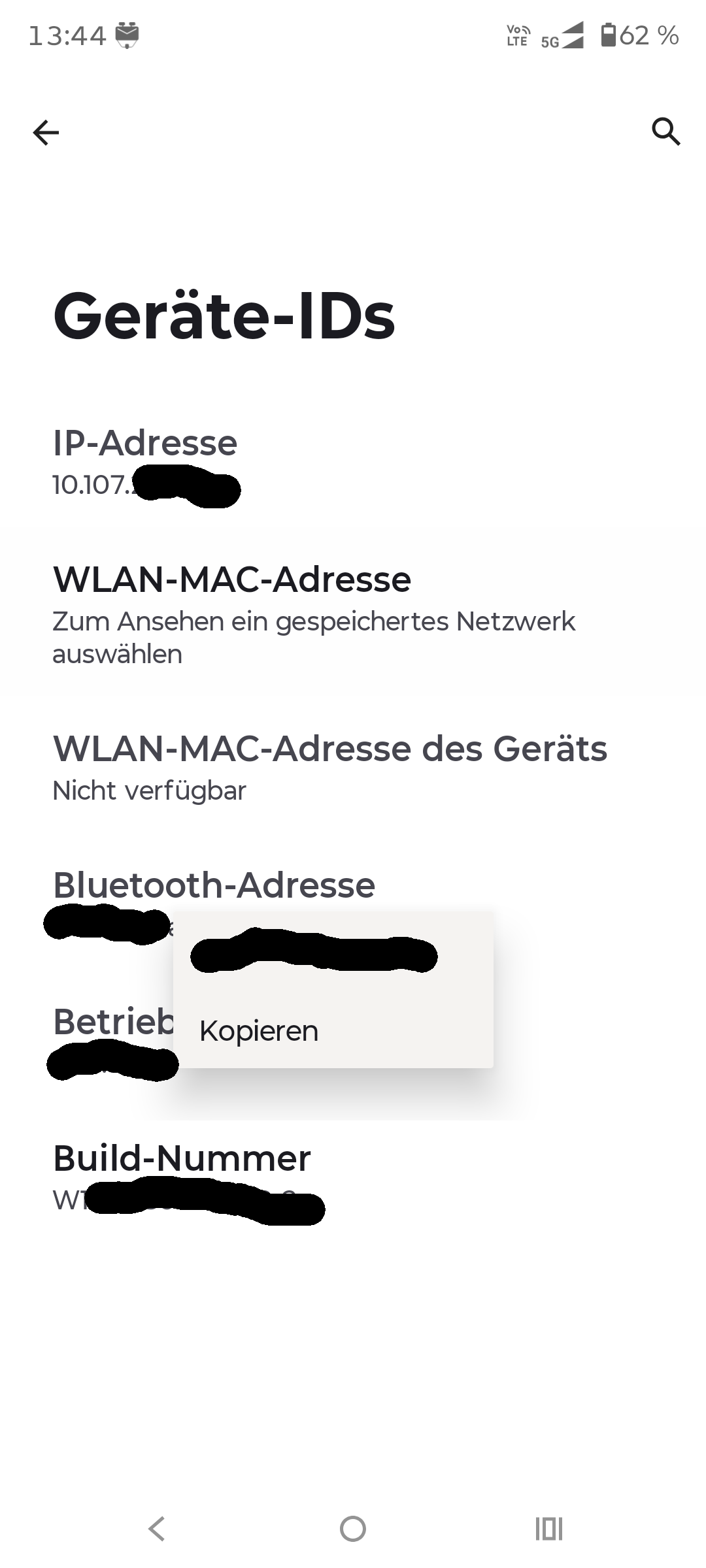
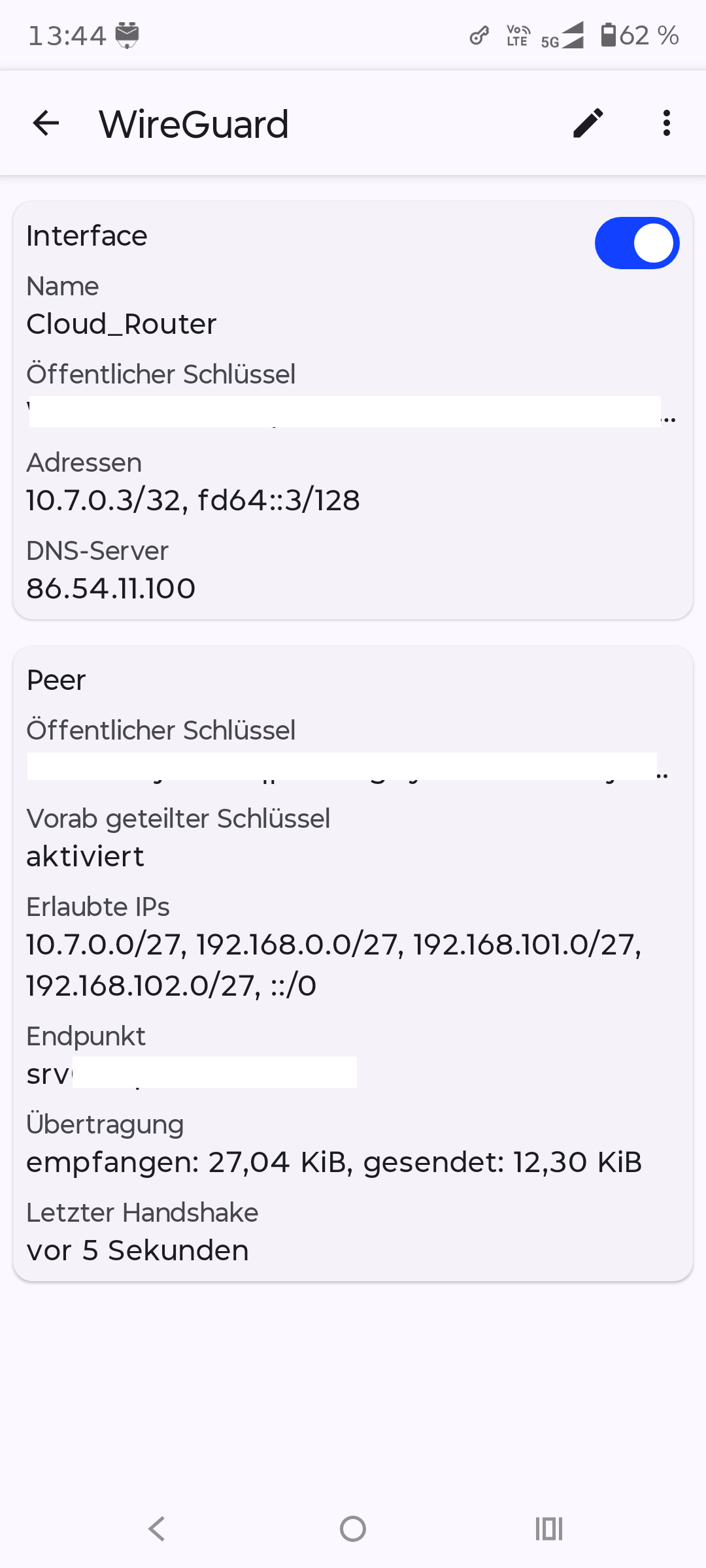
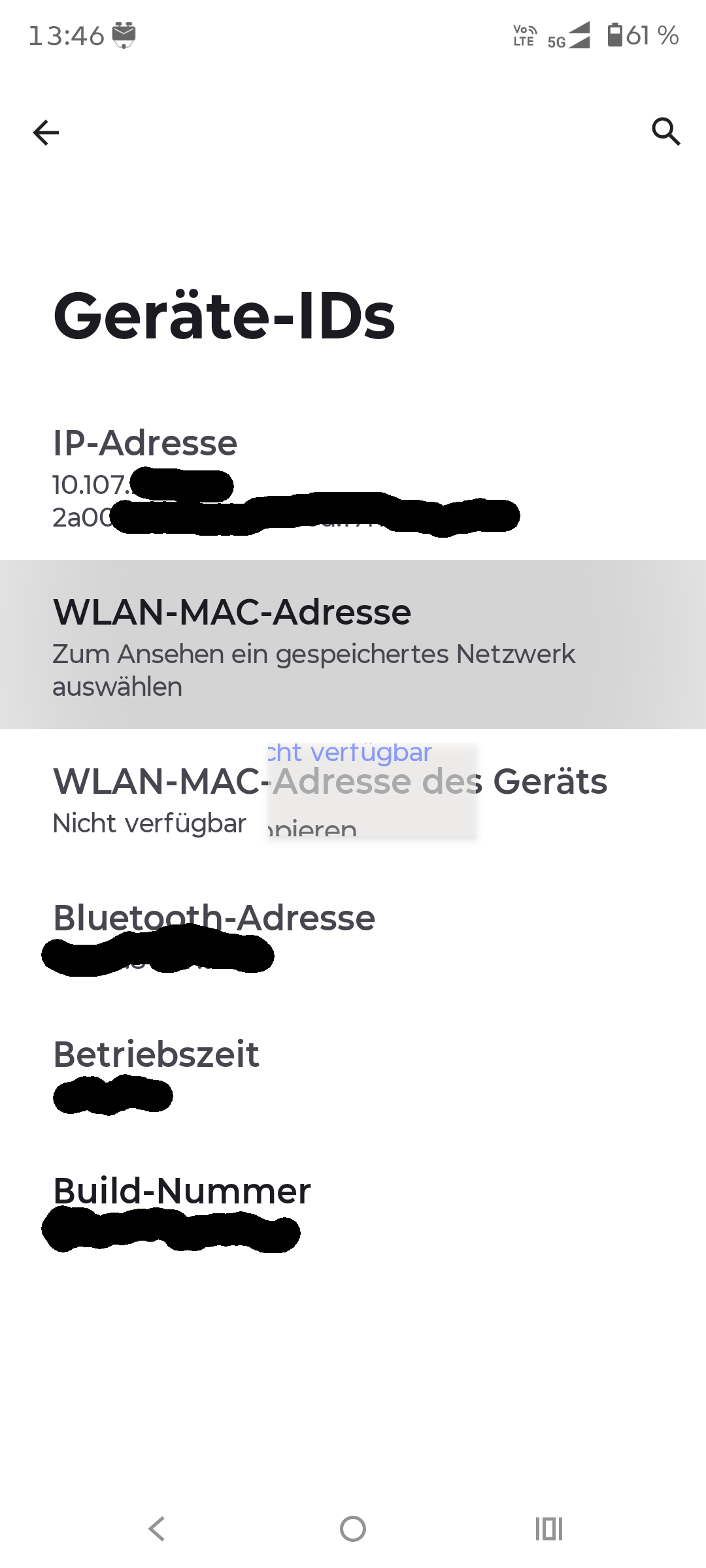
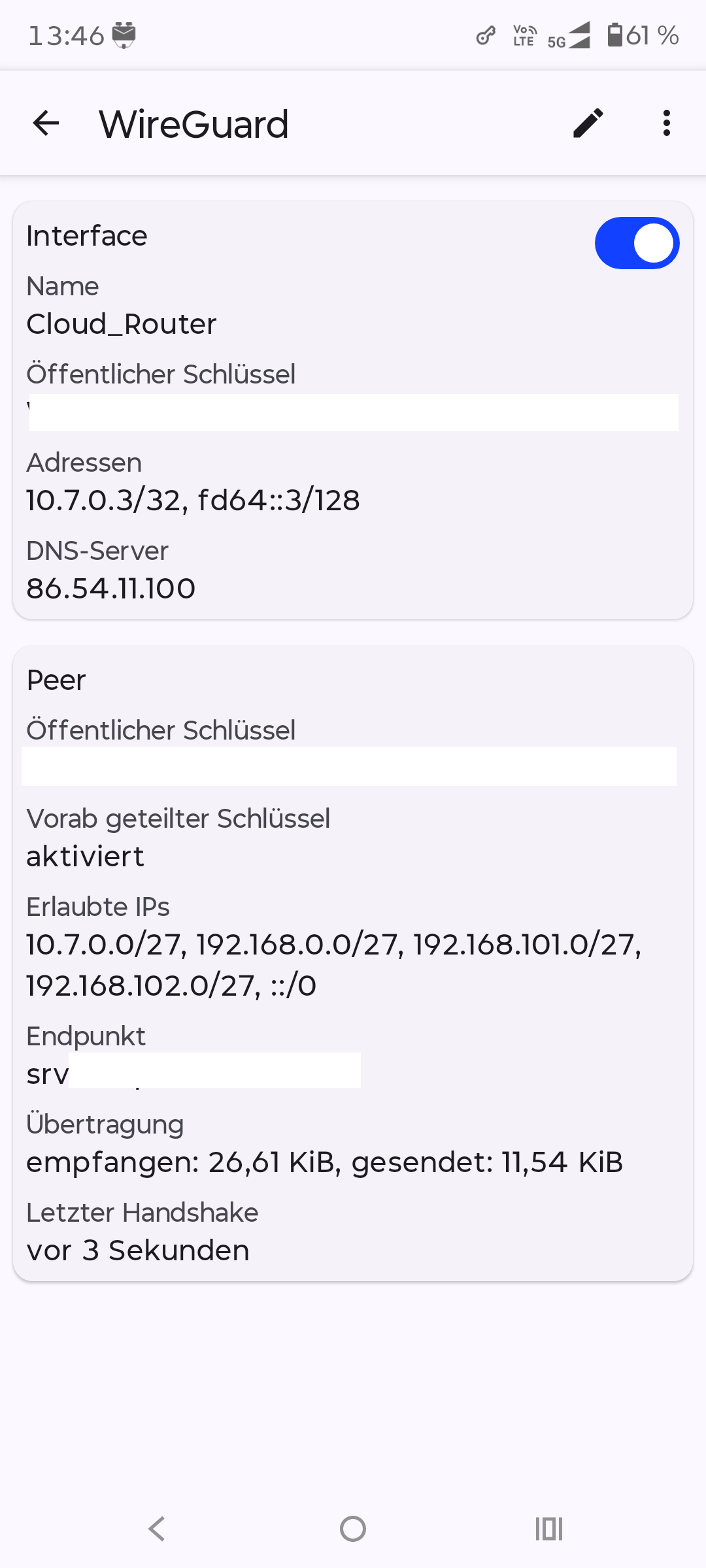
As you can see in the screenshots below, you can also establish a connection to the Cloud Router from a private Class A network, regardless of whether you have an active IPv6 connection or not.
So I’ve no idea why it shouldn’t be working for you, provided you’ve followed the instructions to the letter.
It could be, however, that the ISP’s router – which you say is operating in ONT mode – isn’t actually working in ONT mode at all, and is therefore causing problems.
There may also be other possible causes within your LAN. However, the information you’ve provided so far gives no clues as to what these might be.
I can’t confirm myself that the ISP’s modem-router is operating in ONT mode because I just have a “user” access to it (very limited), I received the confirmation by the technician at the time he set up everything in my home and before that from the technical support that was possibile to set it in bridge mode (or whatever is called for fiber connections).
Anyway, according to any documentation I found on the internet, I’m receiving a public IPv6 address because it starts with 2a10: and therefore it’s part of the 2000::/3 global unicast block (source: IPv6 Address Types | NetworkAcademy.IO ).
Moreover I just noticed (in the FritzBOX event logs) that the DDNS is keeping disconnect and reconnect once every about 30 minutes for no apparent reason, probably this might be another problem and not linked to the actual one (I guess, but I might be wrong).
Well if you have no propper working DNS this might cause lots of problems. Also relatetd to Wireguard connections. Usually in the config file the Wireguard connections will be established to the FQDN of the Cloud Router, eg. srv05.vpn64.de:<Port>. So if this FQDN can’t be resolved you will not get any working connection. But to test that is quite simple just replace the FQDN in the config-File with its correct IP-Address (either IPv4 or IPv6).
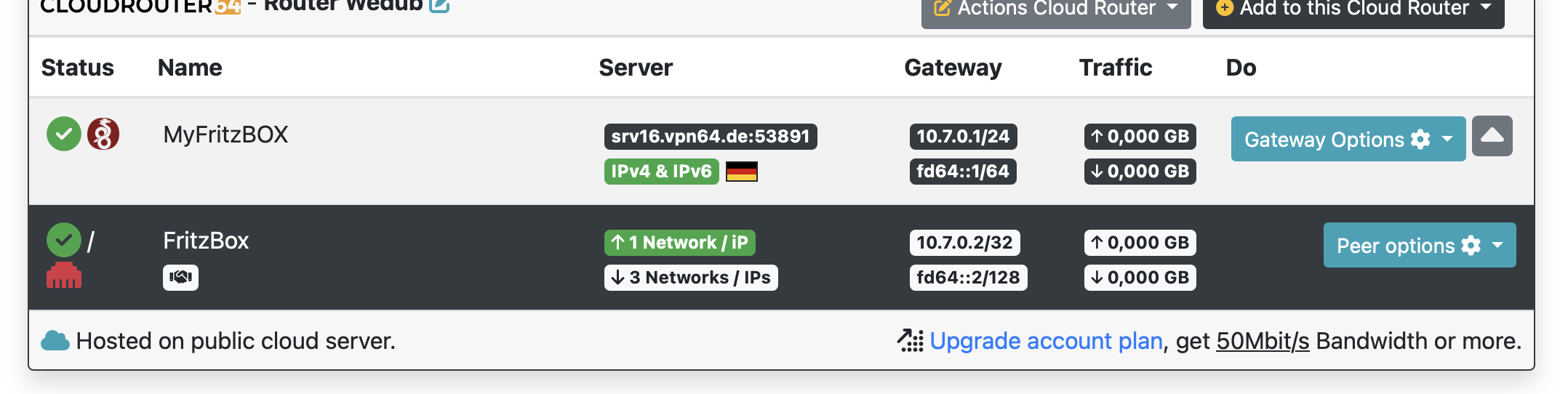
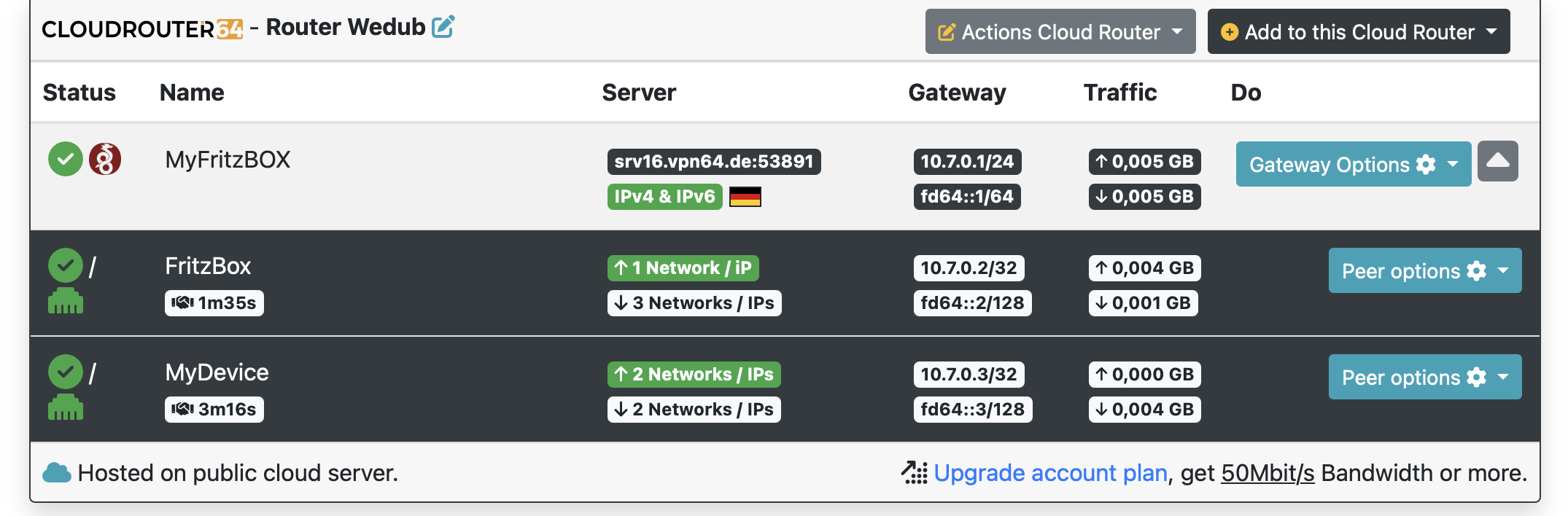
This is the Cloud Router overview (a second peer - a.k.a. my smartphone - hasn’t been configured yet in this time because the FritzBOX itself is not communicating as you can see):
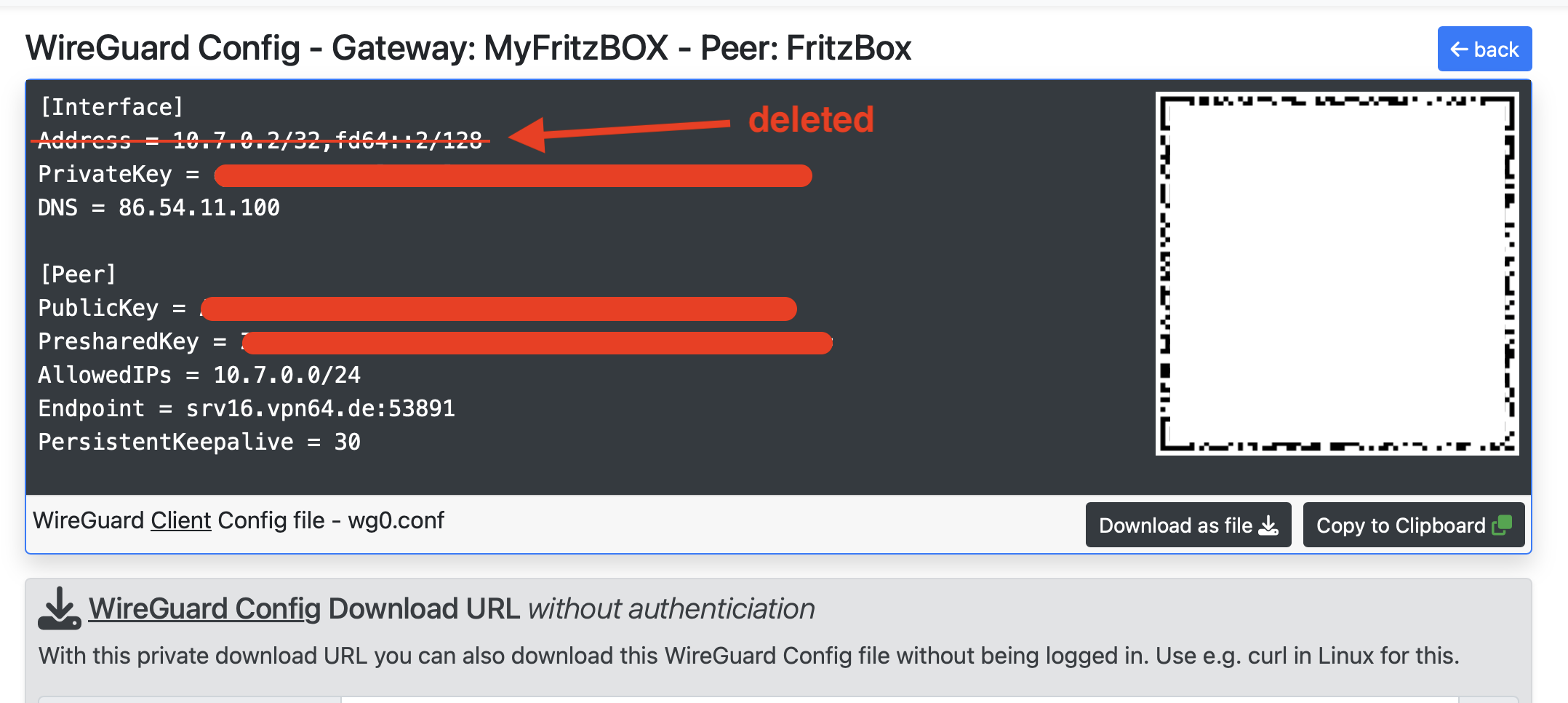
This is the WG conf file (I downloaded it and edited with a text editor to remove the address line according to the YT video instructions before to upload. it into the FritzBOX):
I’ve tried first using IPv6 and literally nothing changed even after several minutes.
After that, using the IPv4 on the FritzBox side the dot for the VPN connection become green (meaning a connection was established) but on the Cloud Router side the Ethernet port icon is still in red color.
EDIT: after several minutes the icon become green, I’ll try to continue with the procedure and see what will happen next.
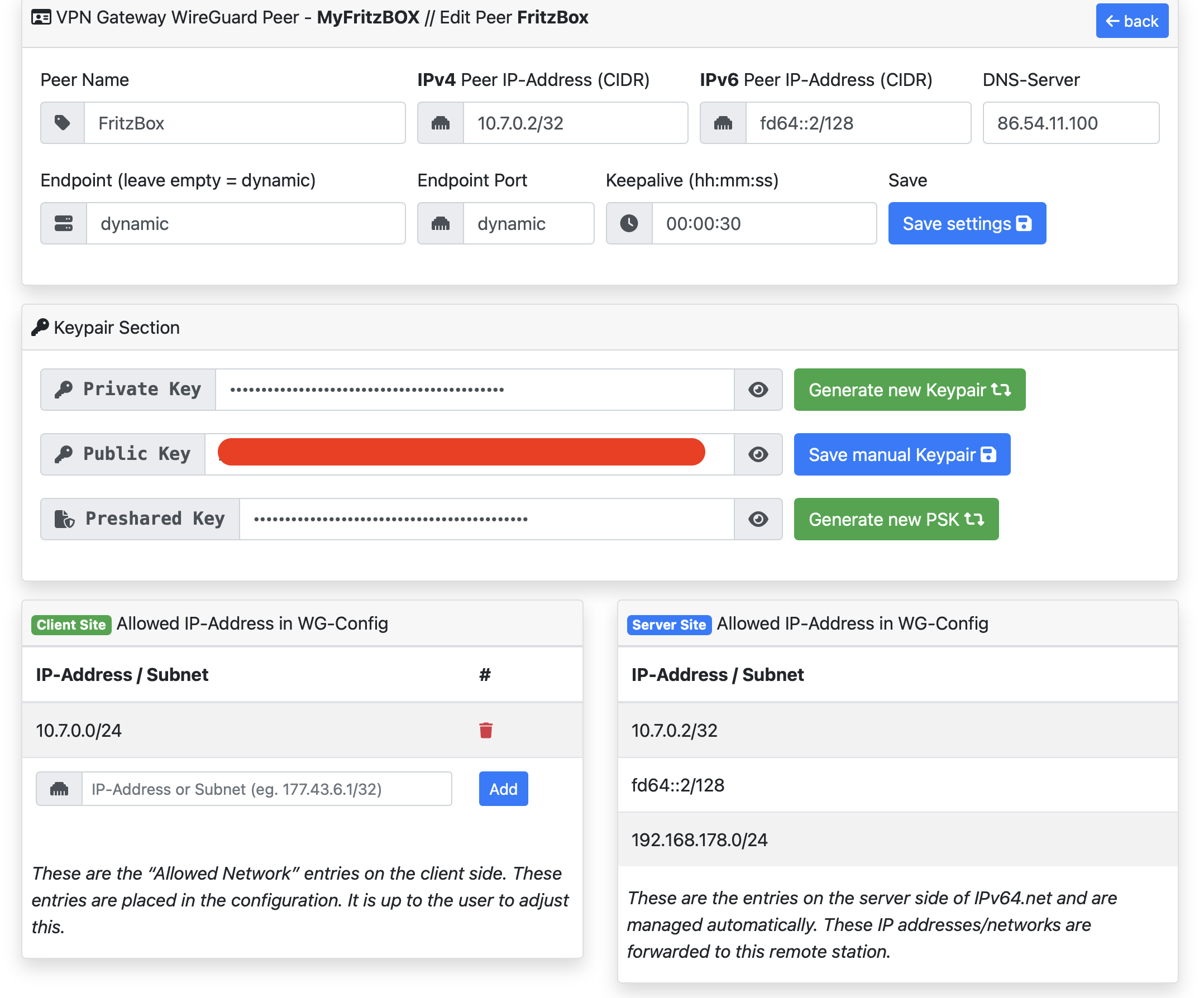
EDIT 2: alright, I configured WG on my smartphone and I’ve been able to login to my FritzBOX with the mobile data, here a screenshot that everything works as should:
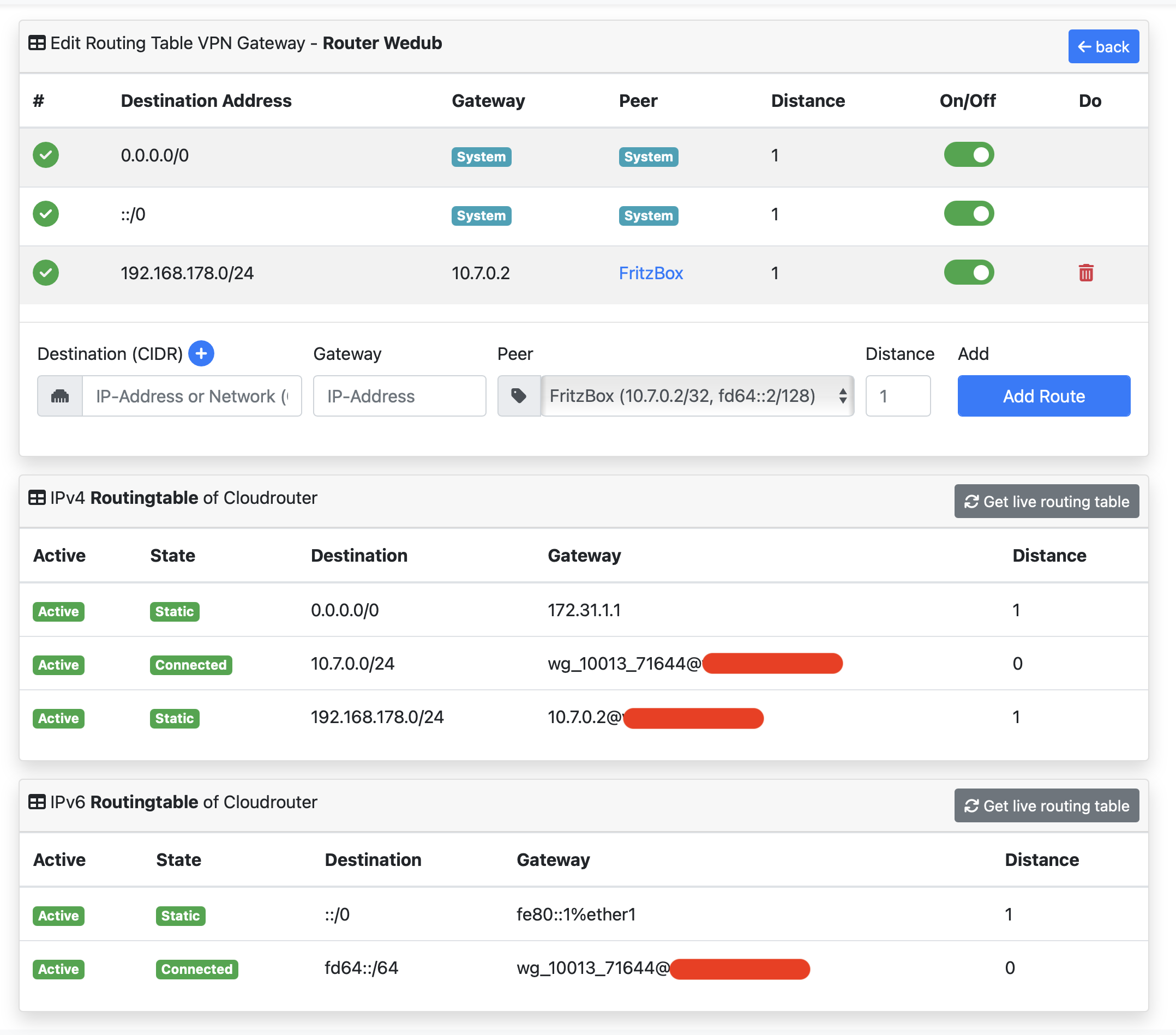
I assume you’re referring to your smartphone connection? In this case you would need to add 0.0.0.0/0 to the AllowedIPs of your smartphone wireguard config (this will handle IPv4, I am not yet familiar with IPv6…). As a result you’ll have a full tunnel to the Cloud Router and your traffic will be split at/by the Cloud Router: all your internal network traffic (192.168.178.0/24) goes to your Fritzbox and all other traffic to the internet - as per your cloud router routing table above.
If you want all traffic to go through your Fritzbox you would need to point 0.0.0.0/0 to your Fritzbox - same way you did with 192.168.178.0/24 (again, no clue about IPv6).
You need to check that from outside your LAN / FritzBox. The problem may be that you are in Italy (i suspect so from language of your FritzBox) and i know that 4G an 5G mobile internet in Italy does not support IPv6 very well. So must likely you can’t check that with your mobile phone.
But to ckeck that not using the FritzBox might be helpful to discover it is a problem within your LAN config and maybe the Router in front of the FritzBox or a general Problem with srv16. srv15 and srv16 was ca. 2 month in past not reachable via its FQDN at all.
Nice, added 0.0.0.0/0, ::/0 the AllowedIPs and now it’s full-tunneling.
Alright, so as of now I would not touch anything else because everything is working fine, thank you very much for the help and patience.